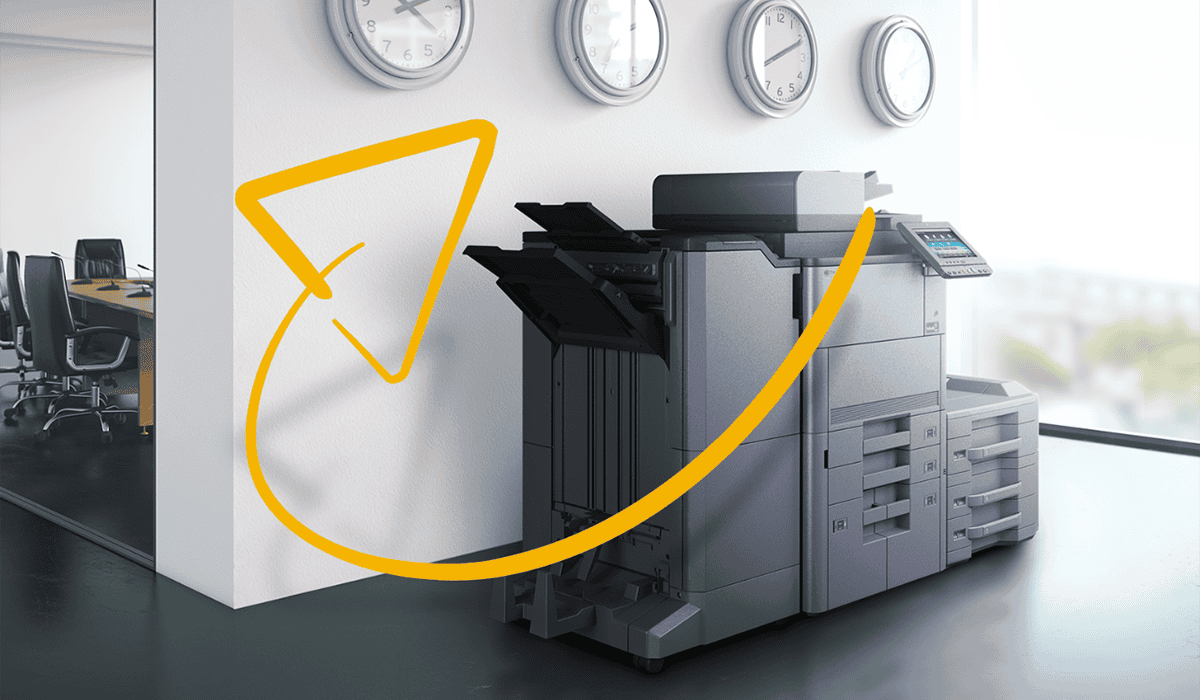
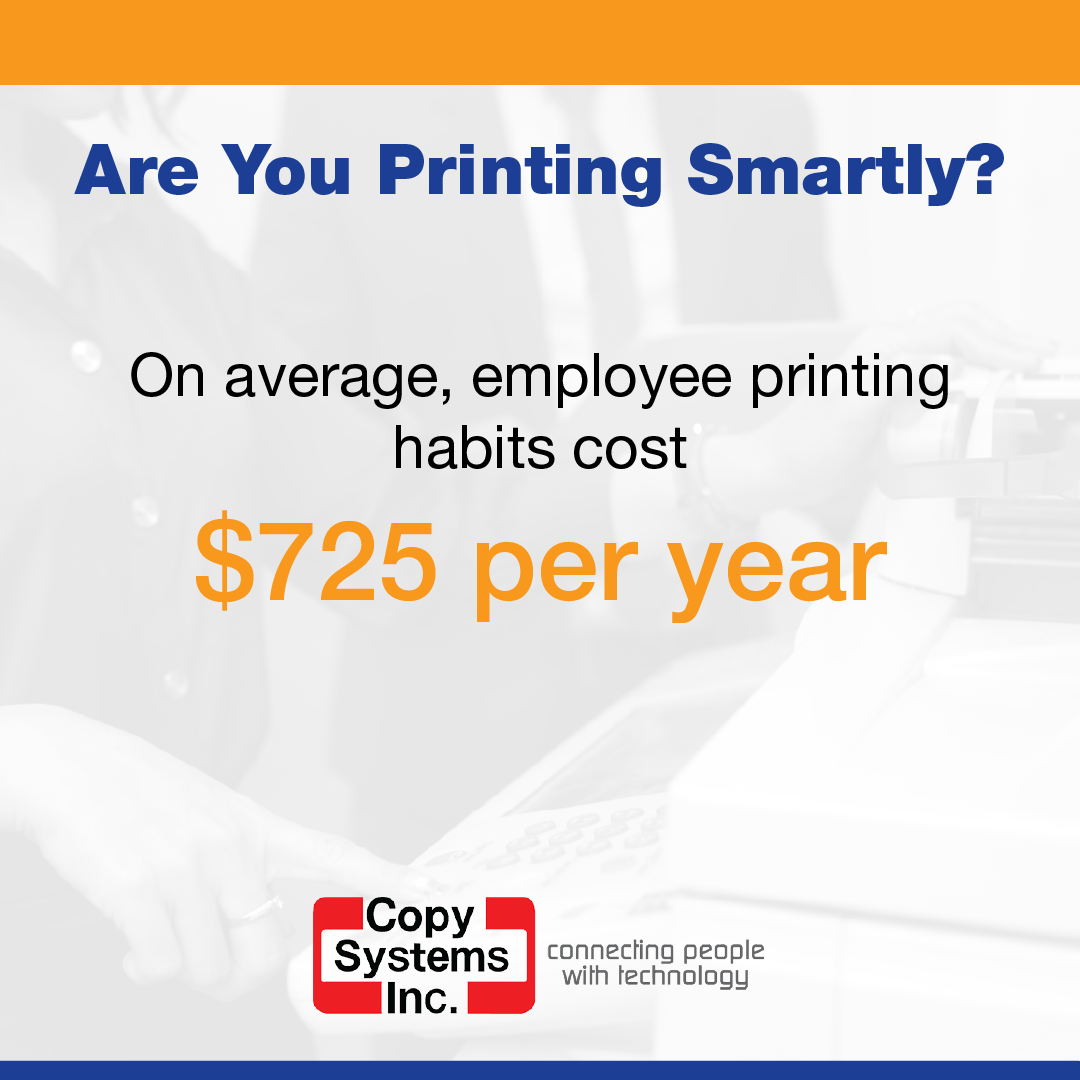
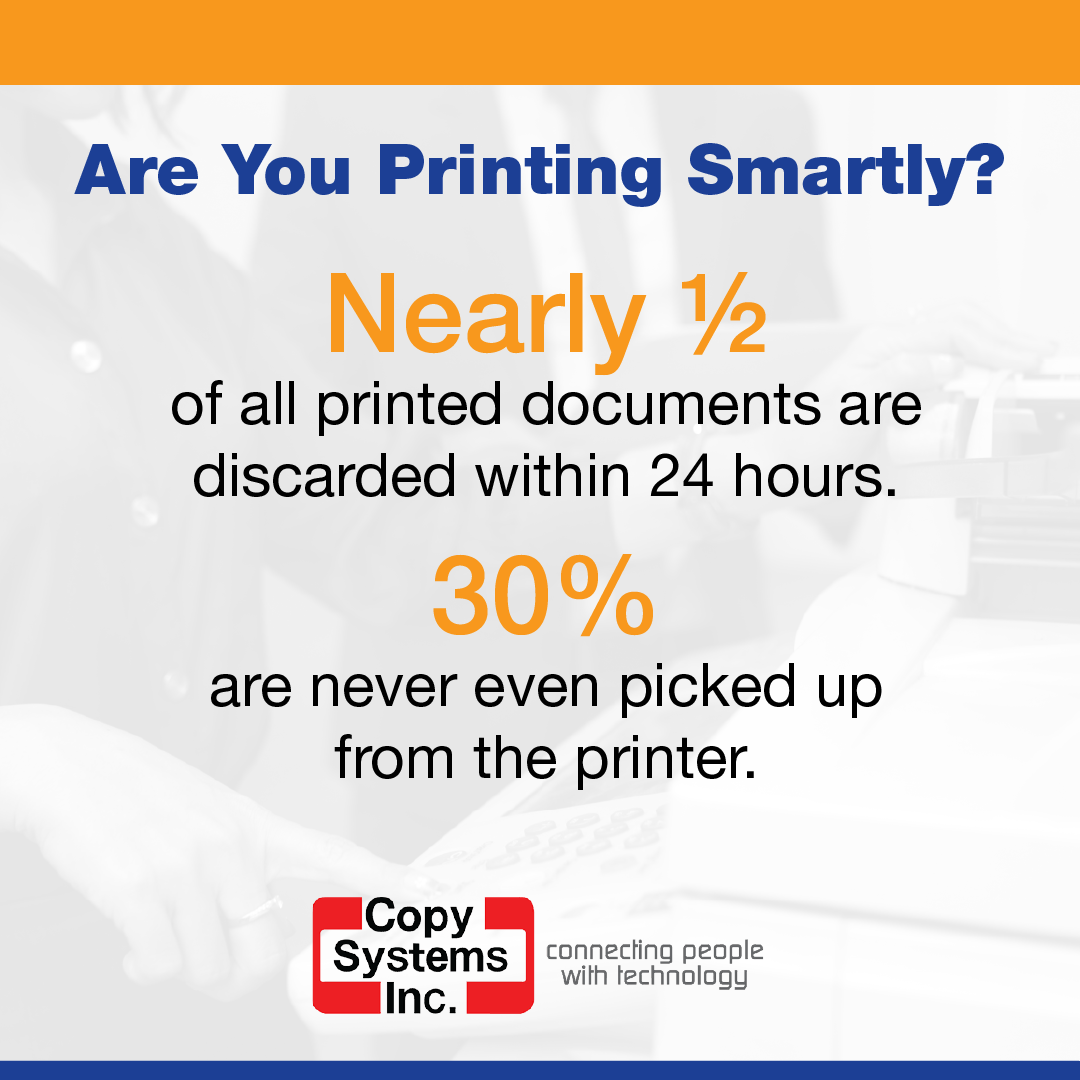
Picture this: stacks of unclaimed print jobs, desks cluttered with personal printers, excessive color printing. Sounds familiar? These common printing practices are not only inefficient, but it’s costing your business hundreds to thousands of dollars. What if you could tackle these issues head-on? If you’re ready to save money and streamline your operations, check out these 7 essential smarter printing habits.

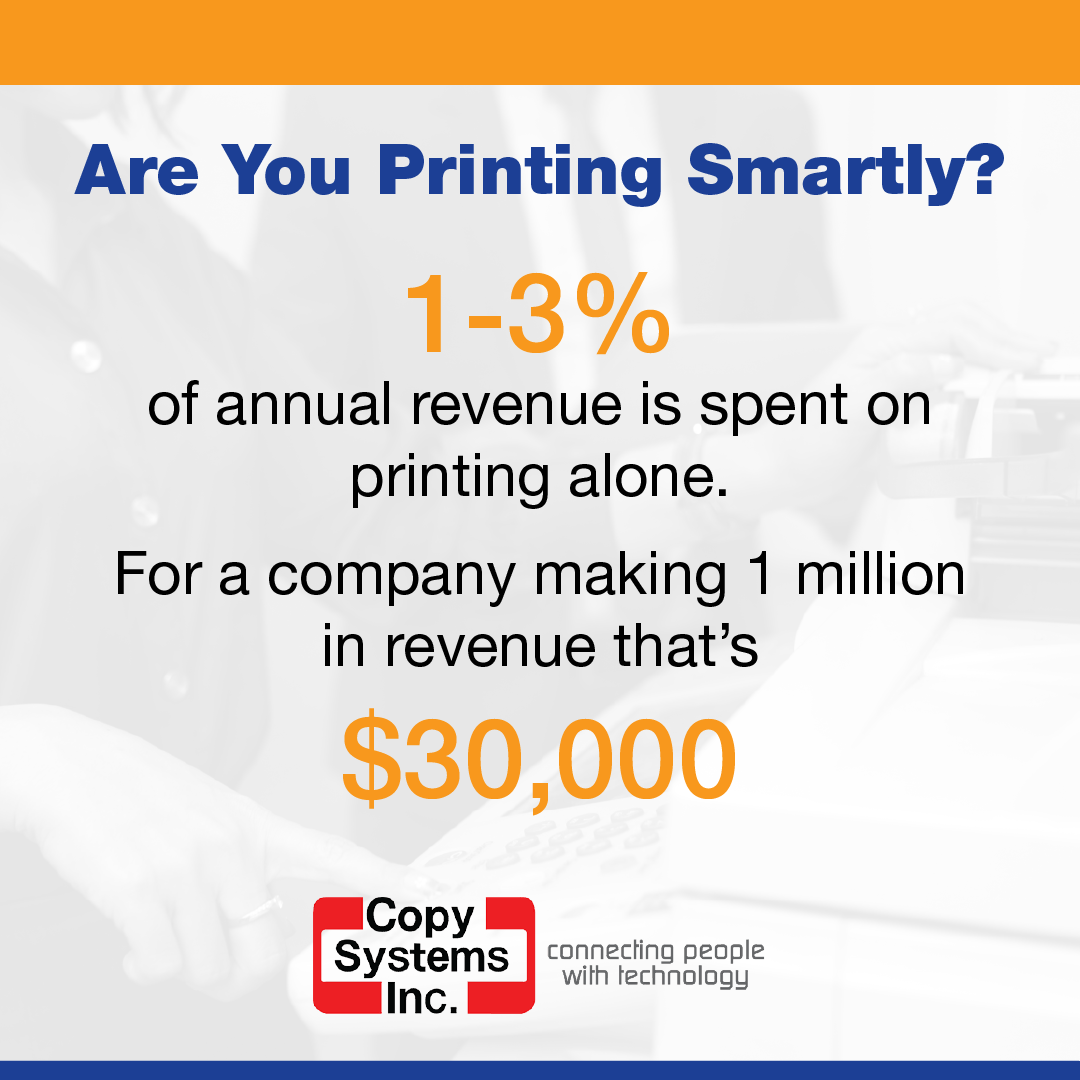
1. Assess Your Current Printing Habits
The first step in optimizing your print environment is to conduct a thorough audit of your existing procedures. Many offices suffer from inefficiencies such as the overuse of color printing, piles of unclaimed print jobs, and reliance on outdated machines. By assessing how your office uses printers, you can pinpoint areas that bleed money and start implementing more efficient practices. With Copy Systems’ PrintSMART managed print services, we’ll help you:
- Evaluate your current print fleet and print processes.
- Identify bottlenecks and waste.
- Develop a print device strategy and optimize your fleet.
- Implement a printSMART program.
- Review results quarterly.
Ready to get started? Contact us today to schedule an assessment.
2. Move Towards Digital Document Practices
One of the most effective smarter printing habits is to reduce paper usage altogether. Transitioning to online or cloud-based document sharing options can cut costs significantly. This shift not only reduces the need for physical prints but also improves communication and collaboration across different departments, facilitating quicker decision-making and project turnaround times.
Learn how you can transform your document management with FileSMART.
3. Rethink Printer Hardware
The age and reliability of your printers could be bogging down operations. If the signs are there, it may be time to replace your printer. Strategically placing shared multifunction printers can help. These modern devices are generally more energy-efficient and come with advanced settings that reduce print waste. For instance, Kyocera’s Tiered Color Technology can help reduce color printing costs. For one local nonprofit we implemented this technology for, they saved $235 every month! Read their story here.
4. Switch to Managed Print Services
Managed print services (MPS) provide a streamlined approach to controlling your printing devices and processes. By partnering with a provider like Copy Systems, businesses can have a tailored plan that ensures all printers are efficiently used, automatically supplied, and regularly maintained. MPS can dramatically reduce costs and free up IT resources to focus on more strategic tasks.
5. Train Staff on Smarter Printing Practices
Encouraging smarter printing habits begins with education. Train your staff on simple yet effective practices such as defaulting to double-sided printing and strategically using color vs grayscale printing. Also, promote a culture where employees think twice before printing items like emails or meeting notes, which can easily be digitized or viewed on digital devices.
6. Prioritize Sustainability
Adopting environmentally friendly printing habits can significantly contribute to your company’s sustainability goals. Actions such as recycling toner cartridges, opting for recycled paper, or choosing eco-focused printers not only reduce your ecological footprint but can also reflect positively on your brand image.
7. Partner With Experts
Last but certainly not least, partnering with printing experts can optimize your print environment in ways you might not have considered. Whether it’s through auditing your current practices, moving to digital solutions, or training your staff in cost-saving techniques, each step you take makes a difference. At Copy Systems, we can help you do all this and more.
Remember, the right changes can lead to significant savings and a more streamlined office environment. Interested in learning more? Contact Copy Systems today to explore how our solutions can transform your business.